Description
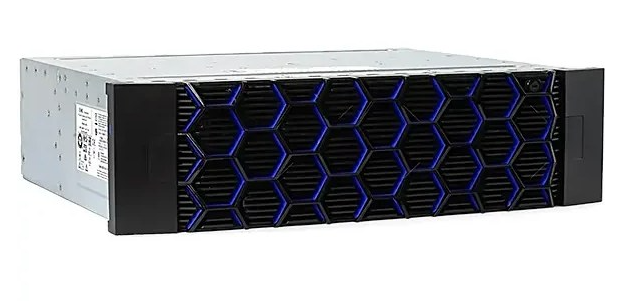
EMC UNITY-DAE-15 – Emc Unity DAE 15×3.5
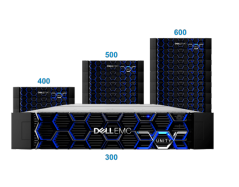
The Dell EMC Unity™ Hybrid-Flash product line sets new standards for storage with compelling simplicity, modern design, flexible deployments and affordable prices– to meet the needs of resource-constrained IT professionals in large or small companies.
If you are looking for rich features and absolute simplicity in a small footprint, if you are cost-conscious and need the best from the best, Dell EMC Unity Hybrid Flash is for you. Designed for flash with rich data services, it delivers flash performance with the cost advantage of disk.
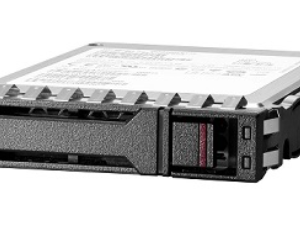
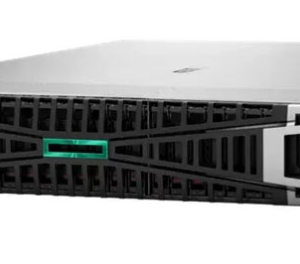
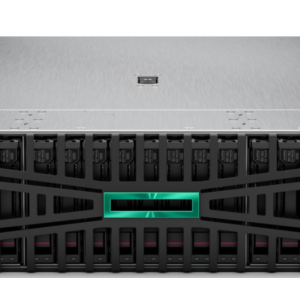
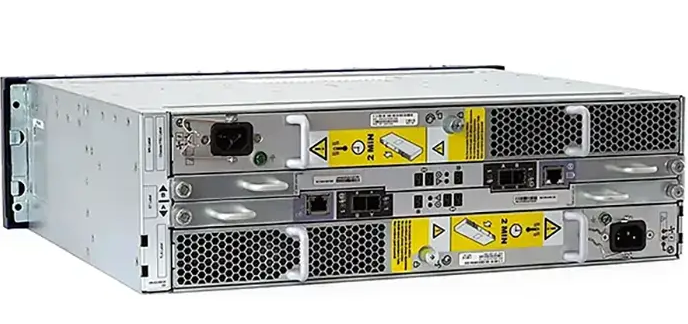
Expand your EMC Unity storage with the EMC Unity D3123F DAE 15×3.5, a 2U rack-mountable enclosure supporting 15 x 3.5-inch SAS, NL-SAS, and SSD drives. Featuring dual 12Gb/s SAS connectivity, redundant power supplies, hot-swappable components, and RAID support, it ensures high performance, scalability, and enterprise-grade reliability.
Overview of EMC Unity DAE 15×3.5
The EMC Unity D3123F DAE 15×3.5 is a Disk Array Enclosure (DAE) designed to expand the storage capacity of EMC Unity systems. It supports up to 15 large-form-factor (LFF) 3.5-inch drives, allowing organizations to scale their storage infrastructure efficiently. The enclosure is optimized for high performance, reliability, and ease of integration with Unity storage arrays. With dual SAS connectivity, it ensures uninterrupted access to data while maintaining enterprise-level security and performance
Best Practices for Optimizing EMC Unity D3123F DAE 15×3.5
- Use Tiered Storage Strategies
- Combine SSD drives for high-speed operations and NL-SAS for cold storage to optimize cost and performance.
- Monitor Performance Regularly
- Use EMC Unisphere analytics to track disk utilization and identify performance bottlenecks.
- Implement RAID Configurations
- Configure RAID levels like RAID 5 or RAID 6 for enhanced data protection.
- Ensure Redundancy with Dual Controllers
- Always configure dual-controller setups to prevent single points of failure.